
 India
India UAE (Dubai)
 Australia
 Philippines
 Thailand
 Malaysia









 Calendar Management
 Staff Management
 Inventory & Stock Mgt
 Web Mobile App
 Business Dashboard
 Billing & Invoicing
 Multi Branch management
 Integrations
5 Things to Look for When Choosing Inventory Management Software for Your Pet Business in 2026

7 mins Read
Oct 09, 2026

Share

A pet store or grooming salon does not stock like a general shop, so a general inventory tool will leave gaps. You sell food that expires, treats by the gram, and shampoo that gets used up in the grooming room without ever being billed.
Most owners find this out the hard way. The stock on screen says 12 bags, the shelf has 9, and two of those went past their date last month.
If you are comparing inventory management software for your pet business, these are the five things to check before you sign up. Each one comes with a question you can ask in the demo.
1. It tracks batches and expiry dates, not just quantity
Expired stock is the quietest way a pet business loses money. Dry food, wet food, treats, supplements and tick-and-flea products all carry a date, and the same product on your shelf often comes from two or three different batches.
Software that only knows "12 bags in stock" cannot tell you that four of them expire next month. Good software records the batch and expiry date when stock comes in, then helps you sell the oldest dates first.
What to look for:
- Batch number and expiry date captured at the time of purchase entry
- An alert or report for items expiring in the next 30, 60 or 90 days
- Billing that picks the earliest-expiring batch first
- A clear way to write off or return expired stock to the supplier
Ask in the demo: "Show me every item in my store that expires in the next 60 days."
2. It handles loose selling and different units
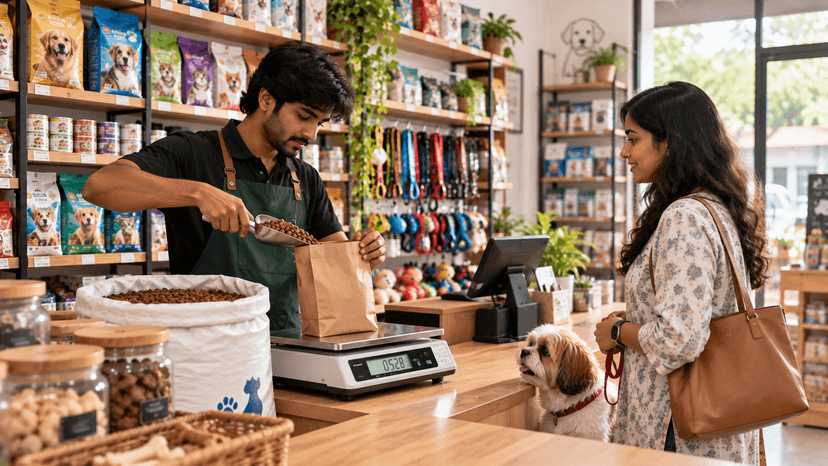
Pet businesses rarely buy and sell in the same unit. You buy a 20 kg bag of kibble and sell 500 g at a time. You buy a carton of 24 pouches and sell them one by one.
If the software cannot convert between these units, your staff will do it in their heads, and your stock numbers will drift within a week.
What to look for:
- Buy in one unit and sell in another (bag to grams, carton to pieces)
- A separate price for loose quantities, since loose kibble is rarely priced the same as a sealed bag
- Stock that reduces correctly when a pack is opened for loose sale
- Barcode scanning that works even when one product has more than one barcode
Ask in the demo: "I open a 20 kg bag and sell 750 g. What does my stock show now?"
3. It makes buying and reordering easy
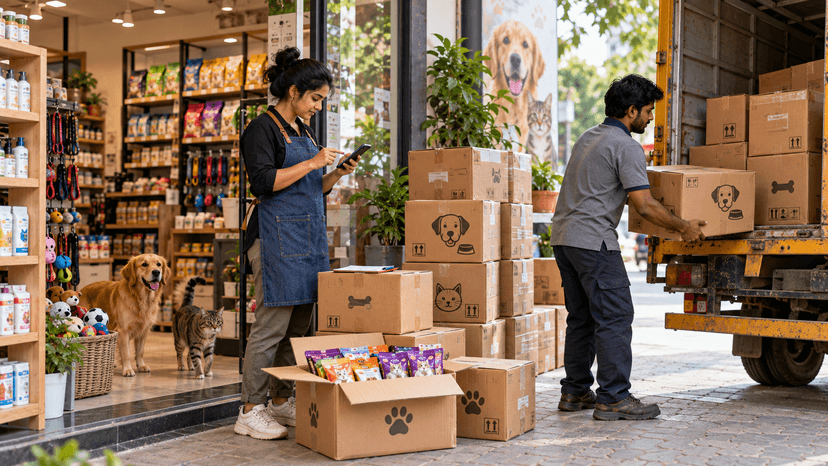
Running out of a customer's regular food brand sends them to another store, and they may not come back. Good software tells you what to reorder before the shelf is empty.
Many owners still build their order list by hand every day, checking sales, current stock and pending orders in three different places. The software should do that work for you.
What to look for:
- A minimum stock level per product, with a low-stock alert
- Purchase orders you can create, print and send to the supplier
- Receiving stock against a purchase order, including part deliveries
- Purchase price and selling price kept separate from MRP, so you can see your real margin
- GST handled properly on purchases, so you are not working out tax-inclusive prices on a calculator
Ask in the demo: "My supplier delivered only half of my order today. How do I record that?"

4. It grows with you from one branch to many
The software you pick for one store should still work when you open the second. Switching systems later means moving every product, price and customer record again.
With more than one branch, the same product list should be shared, while each branch keeps its own stock count. You should be able to see everything from one login.
What to look for:
- One product list across all branches, with stock shown per branch
- Stock transfers between branches, with a record of who sent and who received
- Staff roles, so a store employee can bill but cannot change stock or prices
- A day-end close for the cash register that staff cannot edit afterwards
- A stock audit screen for physical counts, with a record of every correction
Ask in the demo: "A customer wants an item that is out of stock here. Can I see which branch has it?"
5. It connects to billing, services and your customers
Inventory that sits apart from the rest of your business creates double work. Every sale has to be typed twice, once in the billing app and once in the stock sheet.
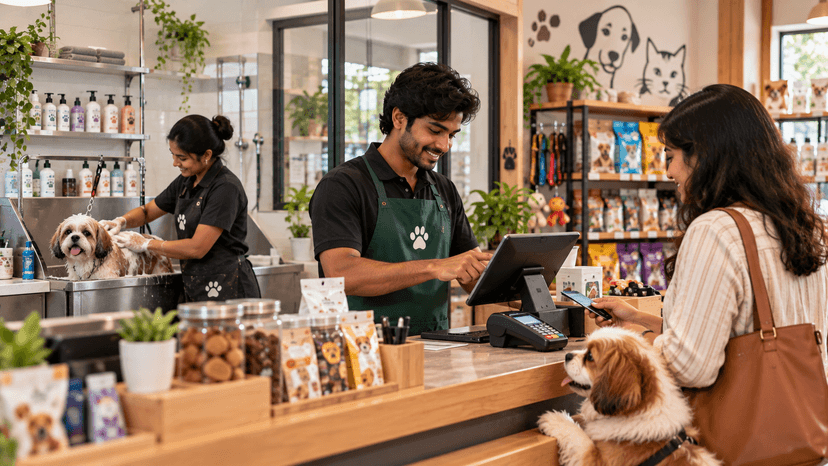
This matters even more for pet businesses, because many run services and retail under one roof. A grooming session uses shampoo and conditioner. A boarding stay uses food. That stock leaves your store without ever appearing on a retail bill.
What to look for:
- Stock that reduces automatically when you bill at the counter
- A way to record products used in grooming, boarding or clinic services
- GST-ready invoices for both products and services on one bill
- Purchase history saved against each customer and pet, so you know who buys which food and when they are due to buy again
Ask in the demo: "Can I see which customers bought this food brand last month but have not come back this month?"
Pick software that keeps evolving
Inventory software is not a one-time purchase, because what you need from it will keep changing. The five points above cover today. The tool you choose should also be ready for what comes next.
Think about how much has changed in a few years. Customers now pay by UPI, order on WhatsApp, and expect home delivery of their pet's food. Tax and invoicing rules get updated. New product types, like fresh and frozen pet food, need storage and expiry handling that older tools were never built for.
The technology is moving too. Counting stock used to mean a notebook, then a spreadsheet, then a barcode scanner. Now software can study your sales and suggest what to reorder, spot slow-moving items, and remind customers when their pet's food is about to run out.
You do not need all of this on day one. You do need a vendor who is building towards it, so you are not forced to switch systems in two years.
Signs the software will grow with you:
- Regular updates, with a public list of what was added recently
- Works on phone and browser, with your data stored safely online
- Connects to the tools you already use, such as WhatsApp, payment apps and accounting software
- Keeps up with GST and invoicing rule changes without extra cost or effort from you
- A team that listens to pet business owners and builds what they ask for
Ask in the demo: "What new features did you release in the last six months, and what is coming next?"
How HappyPet.tech helps
HappyPet.tech is built only for pet businesses, so grooming, boarding, retail billing and inventory work together in one place. You can raise purchase orders, receive part deliveries, set minimum stock levels and keep your selling price separate from MRP.
Book a demo and bring these questions with you.
Pet Client Retention Strategies: Follow-Ups, Loyalty and Communication
Sep 29, 2026
How to Use WhatsApp to Grow Your Pet Business? (Automation + Templates)
Aug 20, 2026
GST Invoicing for Pet Business: Things You Should Know Before Tax Filing in India (Beginner's Guide)
Aug 08, 2026
Best Pet Grooming Software in 2026: Complete Comparison Guide
Aug 06, 2026